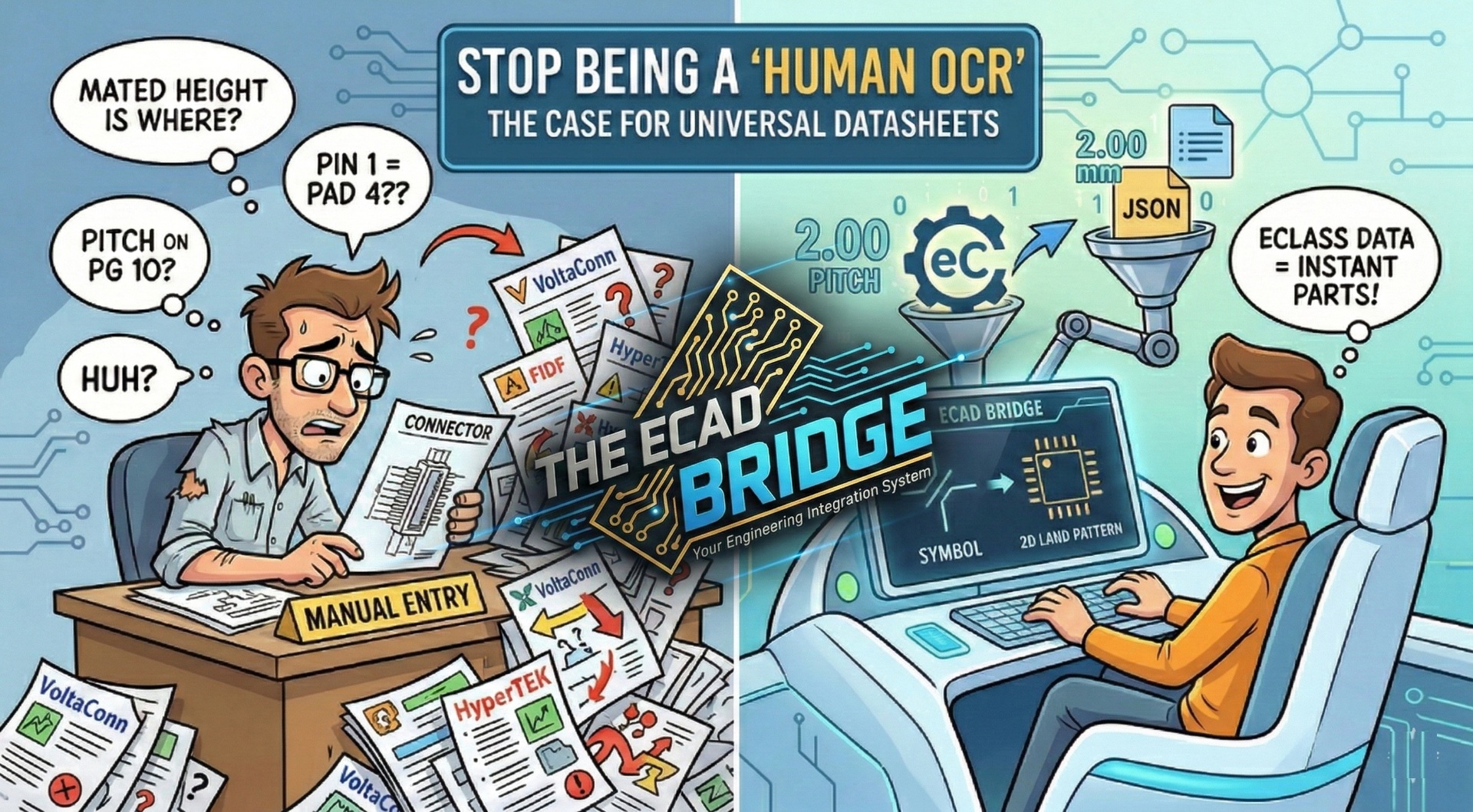
Have you ever started your workday with a fresh cup of coffee, only to spend the next four hours squinting at a PDF?
We’ve all been there. You open a Molex datasheet, then a TE Connectivity one, and finally a Hirose. Suddenly, your morning is gone. You aren’t "engineering" anymore. You’ve become a Human OCR machine, manually translating messy tables and drawings into your ECAD library.
The PDF Problem
In a world of AI and high-speed design, our "source of truth" is still a flat, static document. One vendor puts the "Mated Height" on page 2; another hides it in a footnote on page 10.
When every manufacturer uses a different layout, the risk of a "flipped footprint" or a wrong pitch goes through the roof. It’s not just a waste of time—it’s a risk to the hardware itself. To fix this, we …
Unlock Full Article
Log in with your Google account to read the complete article and join the ECAD Bridge community.
Continue with Google
— Article from E-Cad Bridge —