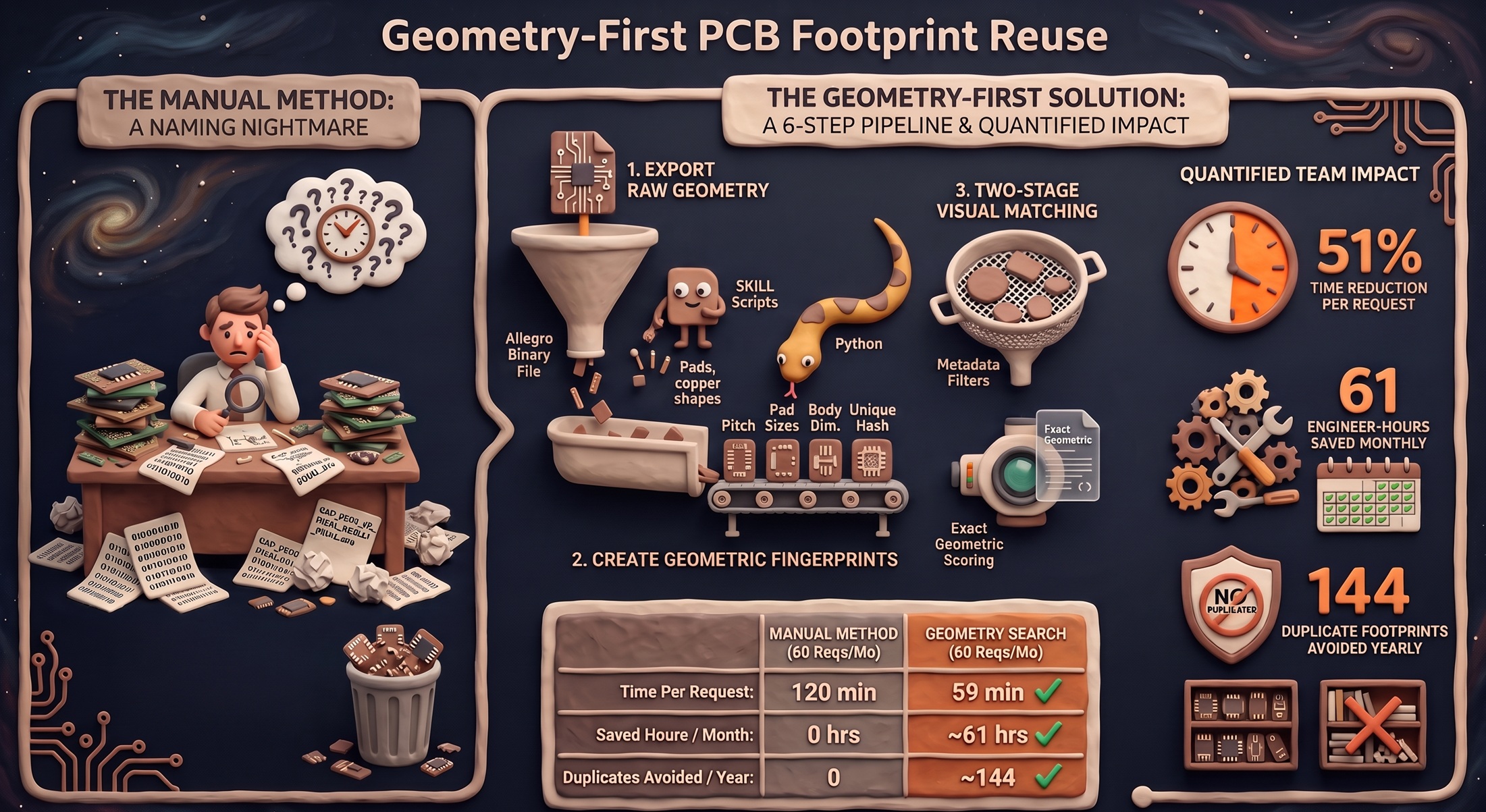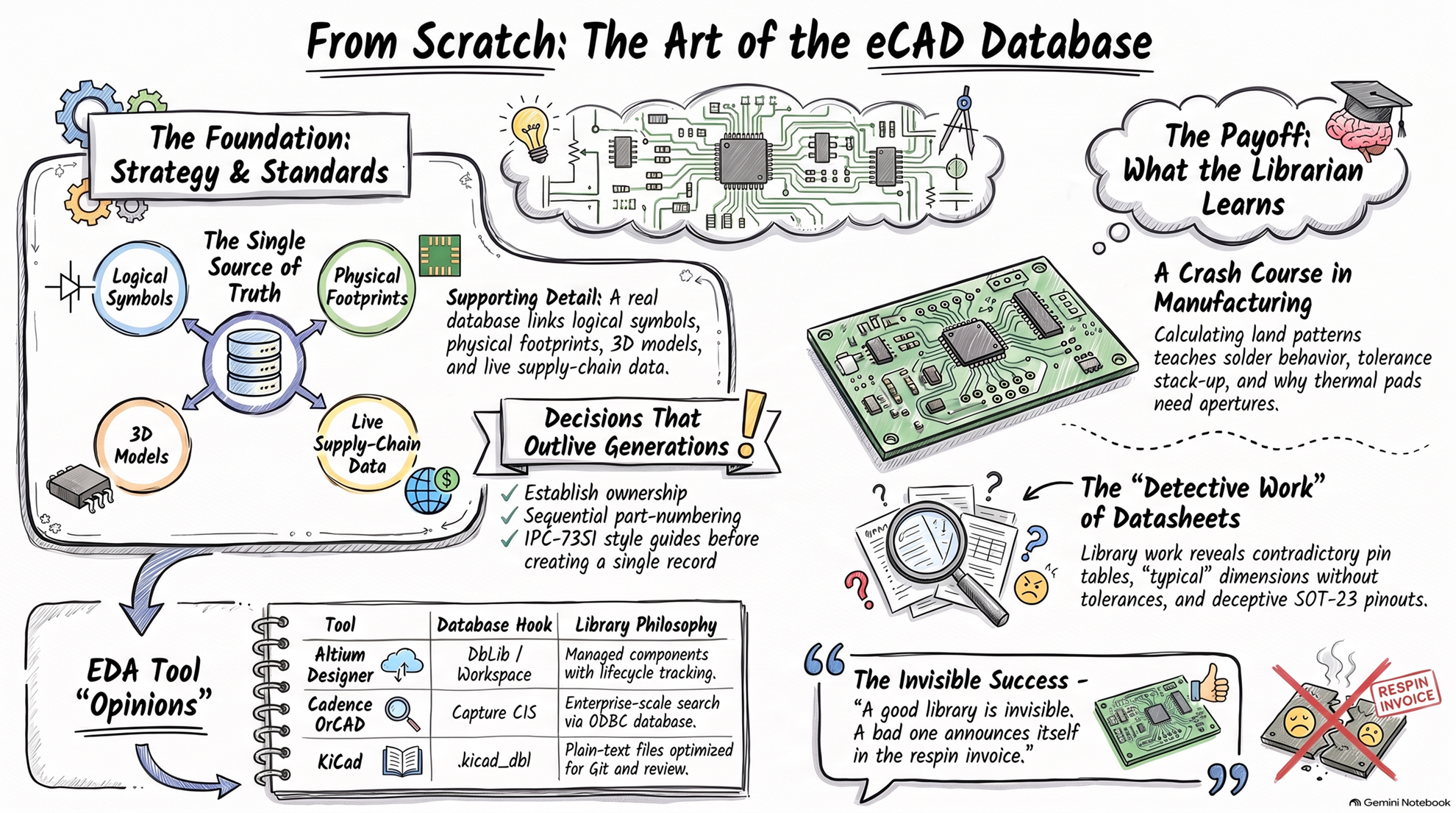
Every PCB design begins long before the first trace is drawn. It begins in the library with symbols, footprints, and part data. As an eCAD librarian, I have spent years building these blocks by hand: reading datasheets, drawing pads, and checking every dimension twice.
One day, a simple thought struck me: what if I could teach a machine to work the way I do?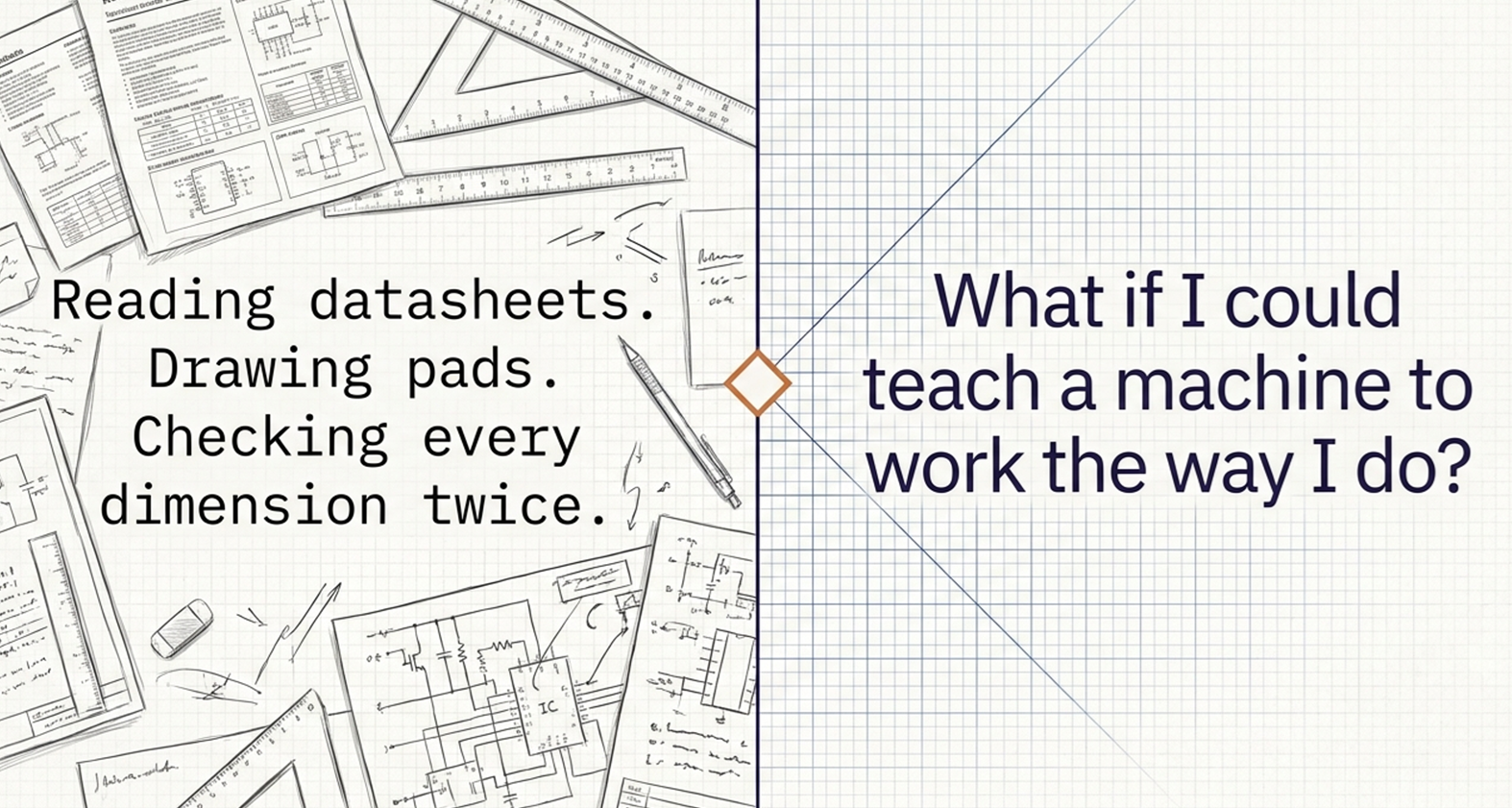
That thought slowly turned into my digital twin not a robot, not a fancy buzzword, but a set of smart tools that now works beside me, thinking the way I think.
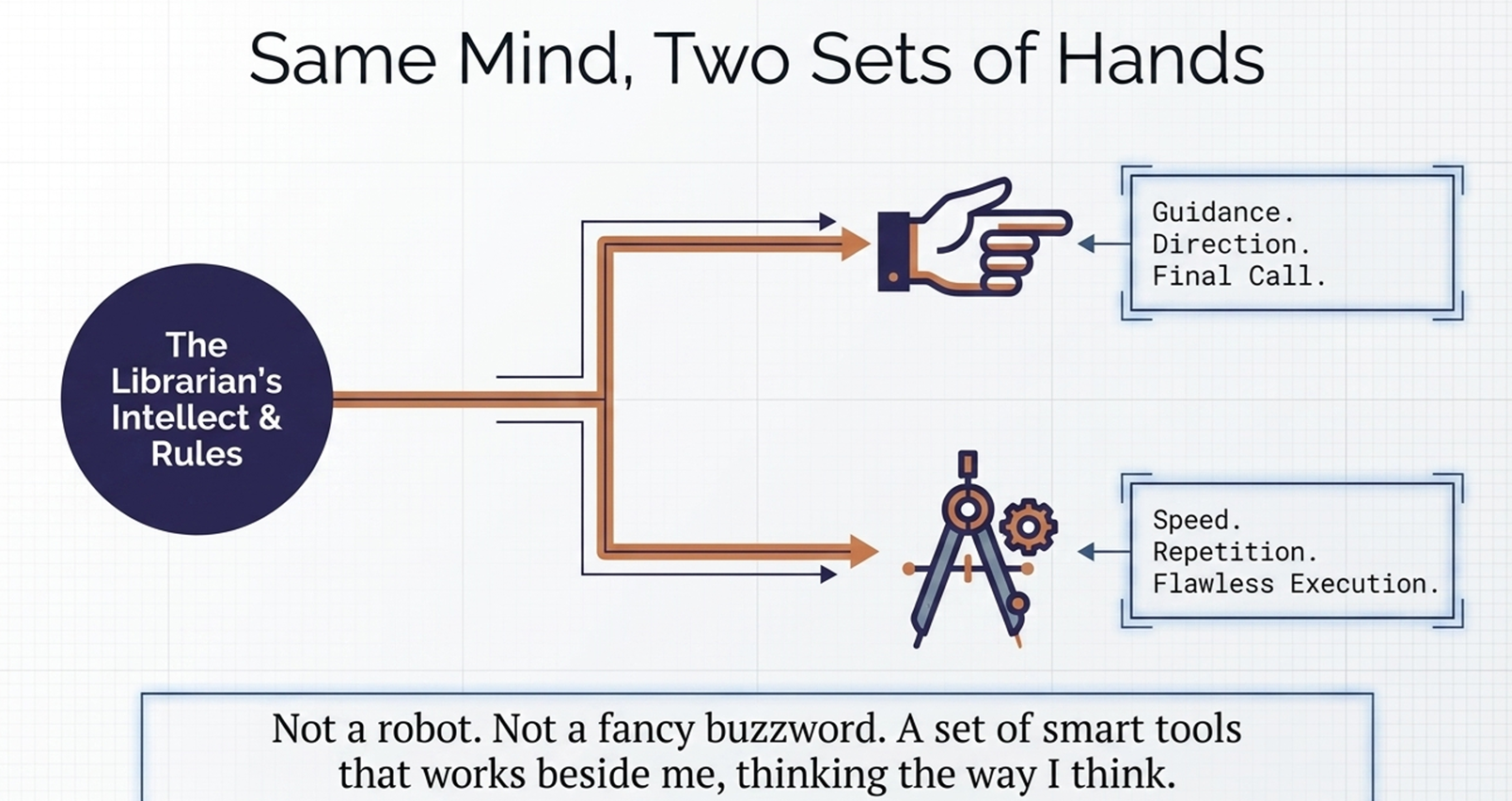
How My Twin Works
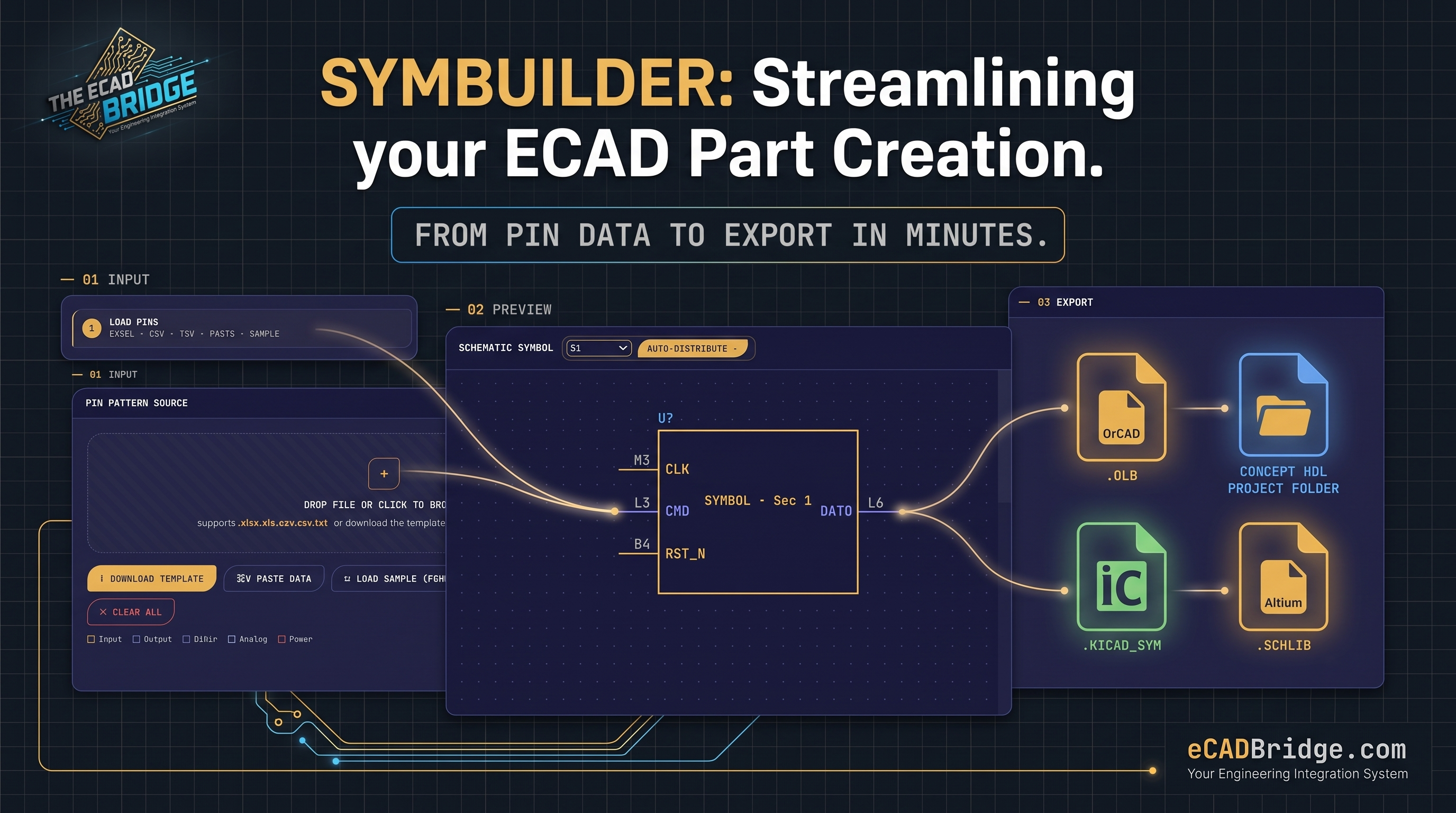
It starts where I always start the datasheet. My twin reads it, pulls out the pin details, and creates the schematic symbol in minutes. A job that once took an hour is done before my coffee gets cold.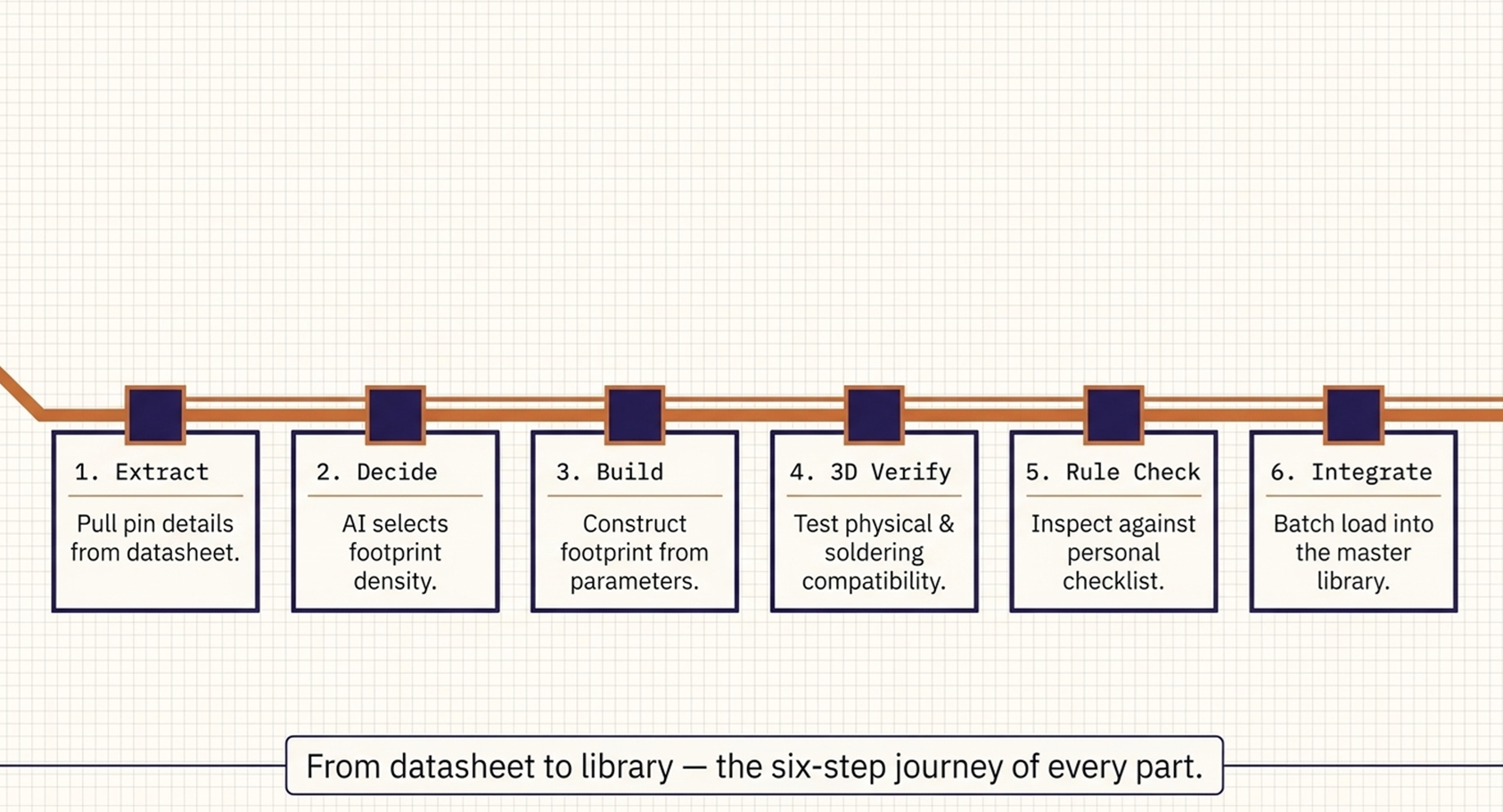
Then comes a decision every …
Unlock Full Article
Log in with your Google account to read the complete article and join the ECAD Bridge community.
Continue with Google
— Article from E-Cad Bridge —