A new tool from eCADBridge · ecadbridge.com/symforge
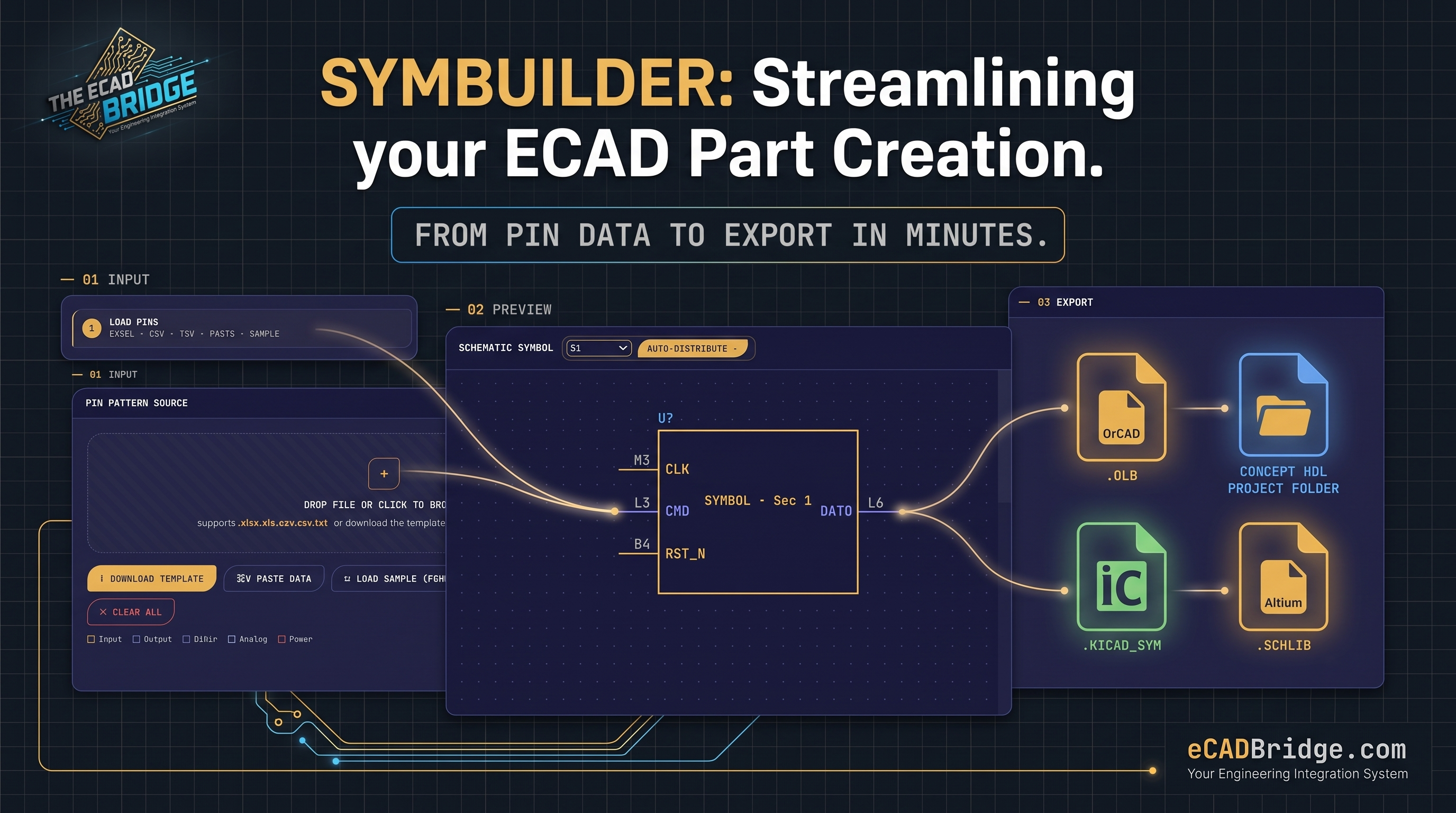
Making a schematic symbol by hand is slow work. You read the datasheet, then type every pin into your CAD tool, one row at a time. For a large chip with hundreds of pins, this can take hours and a single wrong pin can break the whole design. SymForge from eCADBridge removes this pain. It turns a simple pin list into a ready-to-use CAD symbol in about a minute, using smart automation to do the boring parts for you.
1. Load your pins in seconds
Start by dropping in your pin list. SymForge reads Excel, CSV, TSV, or text you paste straight from a datasheet. You only need two columns: the pin number and the pin name. Add a few details such as the part name, PCB footprint (for example BGA153), and a short description, and …
Unlock Full Article
Log in with your Google account to read the complete article and join the ECAD Bridge community.
Continue with Google
— Article from E-Cad Bridge —